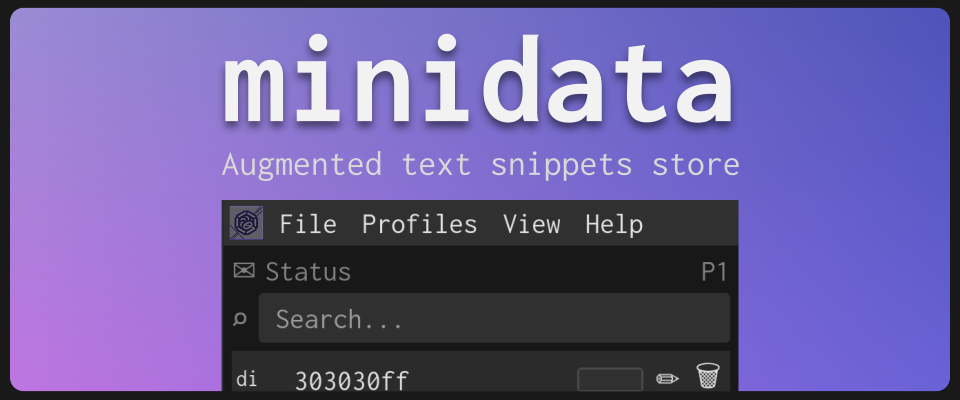
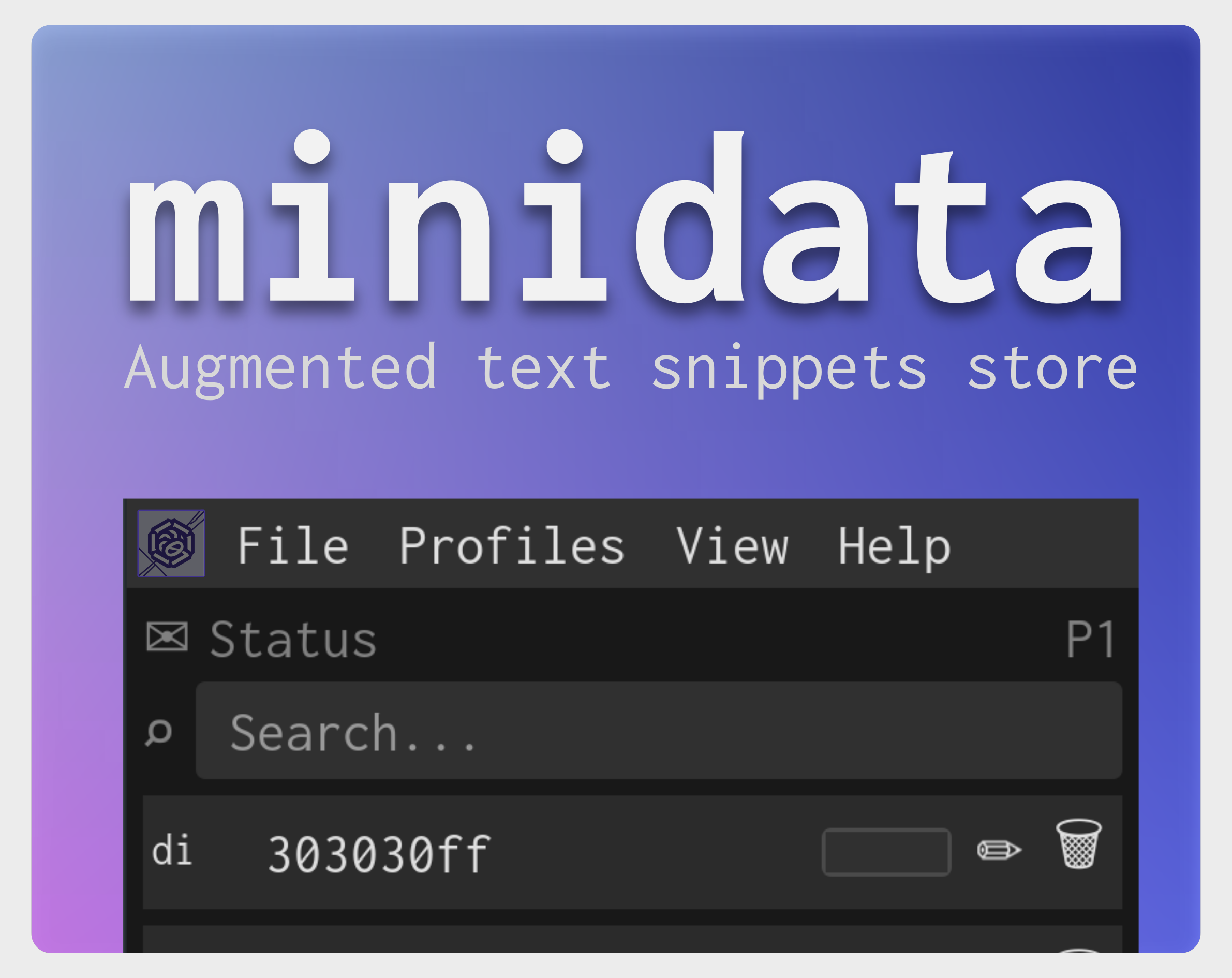
minidata
A downloadable tool for Windows and Linux
minidata is software for saving and copying short text snippets.
Copy, paste, and add to the list. Then click a snippet’s text to copy it.
Each list is associated with a profile, and there are 5 available.
Augmented
Depending on the value you enter, minidata will enable different interactions.
- Colors: strings like
#E70012are shown with a preview.
Quick mode
Quick mode lets you create, copy, and delete snippets using shortcuts.
Each snippet has two letters next to it. Pressing : activates the command line
(the last row at the bottom), and with different commands you can perform operations very quickly.
Main commands:
:a:add→ Add a value:q:quit→ Quit program:z:zen→ Toggle zen mode:d:delete→ Delete value:c:copy→ Copy value:p:profile→ Change profile
Other commands that will be added:
:t:trash→ Switch to the removed snippets list:cl:clipboard→ Access the clipboard
Platforms and limitations
- Windows
- Linux
Work in progress
- Handle color editing: if a color string was entered, allow editing it.
- Handle paths: if a path string was entered, allow opening it directly.
- Paste into the focused window: allow adding text automatically by simply pressing CTRL+V (or another shortcut) when the window is focused.
- Open source: publish the source code once it’s more presentable.
Download
Leave a comment
Log in with itch.io to leave a comment.