moveset
A downloadable tool for Windows and Linux
Keyboard driven mouse cursor movement.
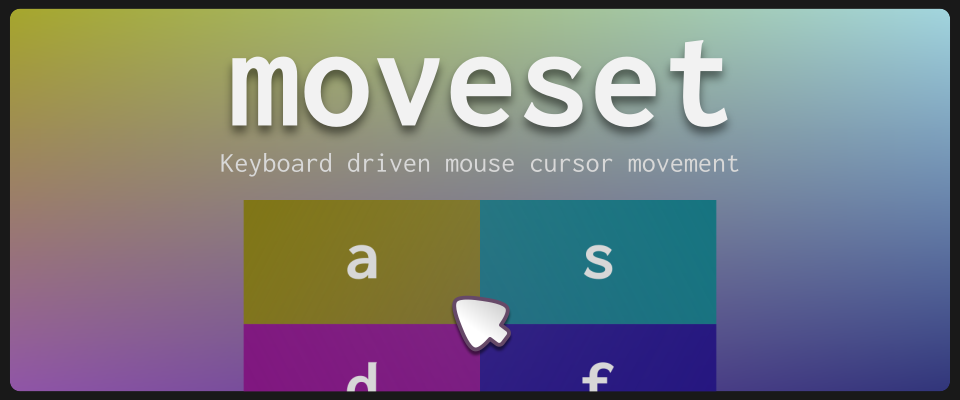
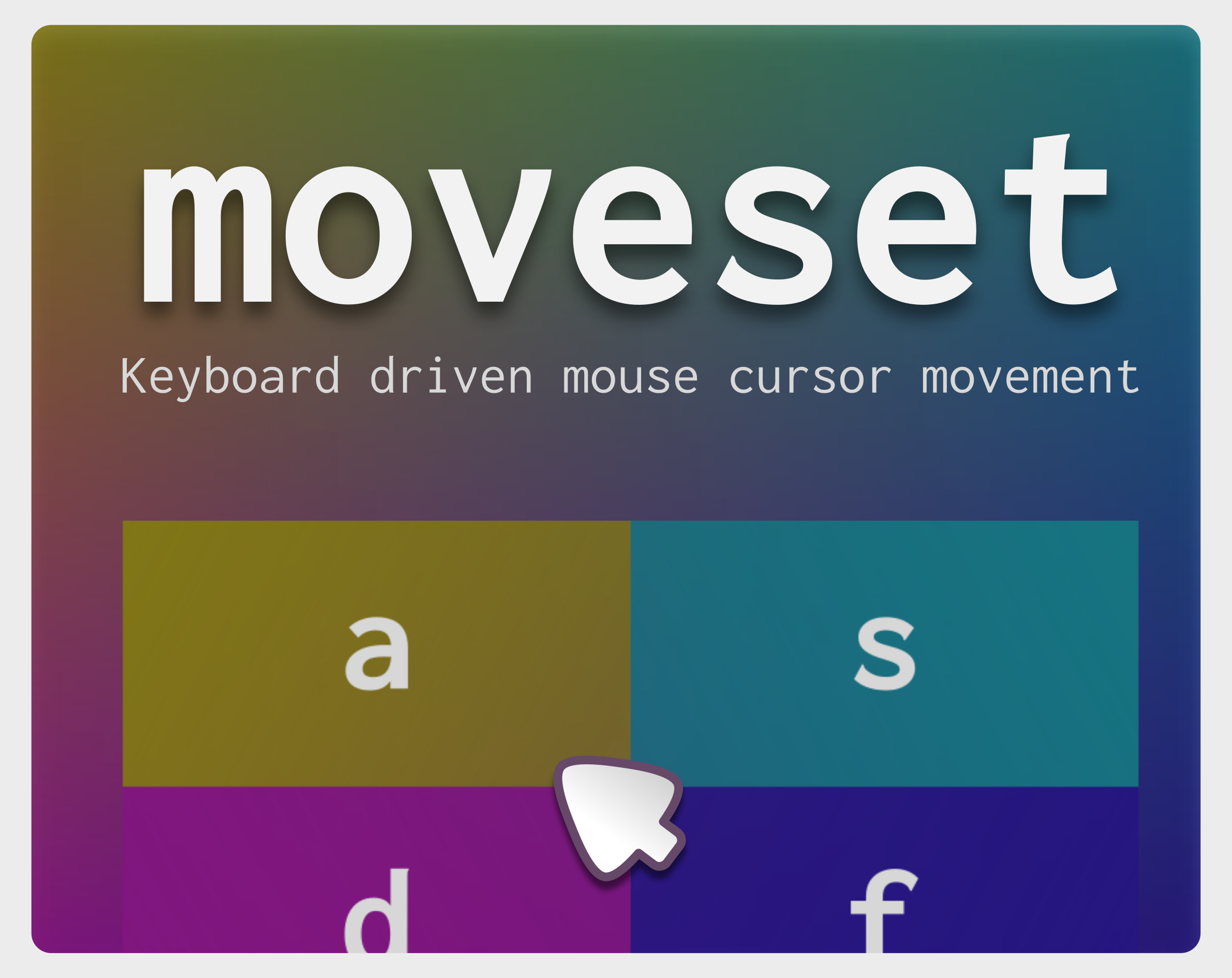
moveset lets you use the keyboard to move the mouse pointer, with different interfaces. It has two modes: Blocks and Grid.
Blocks mode
- Splits the screen into four zones, and the selected zone is recursively split again, up to the configured limit.
- You can change the split-depth limit, and choose whether to use letters or numbers.
Grid mode
- Shows a grid of blocks containing two letters; pressing them moves the mouse to that area.
- You can change the number of columns, rows, and the spacing between blocks in the grid.
Commands
- ESC: close the program
- CTRL+P: show/hide settings
Platforms
- Linux (Wayland): the
warp_mousefunction in Godot has limitations that are being handled on the engine side. The main limitation is that you must make a voluntary mouse movement before you can move the mouse using the shortcuts. - Windows
Work in progress
- Startup speed: hide/show the window instead of starting/quitting the program every time
- New “Custom” mode: similar to Grid mode, but the user can define custom zones with custom letters
- New “Linear” mode: move the mouse with keys without jumping to predefined points, with a selectable travel distance
- More granular settings: customize background colors, borders, fonts
- Open source: publish the source code once it’s more presentable
Download
Leave a comment
Log in with itch.io to leave a comment.